
Buzz Cut Filter
This buzz cut filter puts a #1, #2 or #4 buzz, a fade or a bleached crop on your own selfie. Your first image is free, with no sign-up and no app.
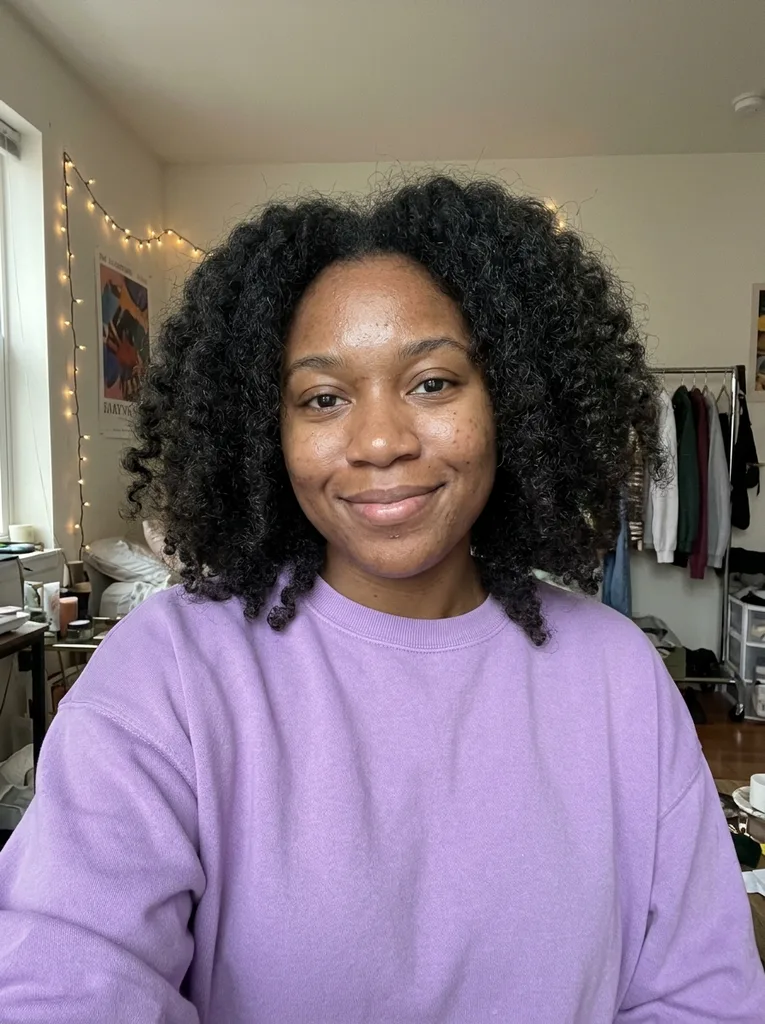 Before
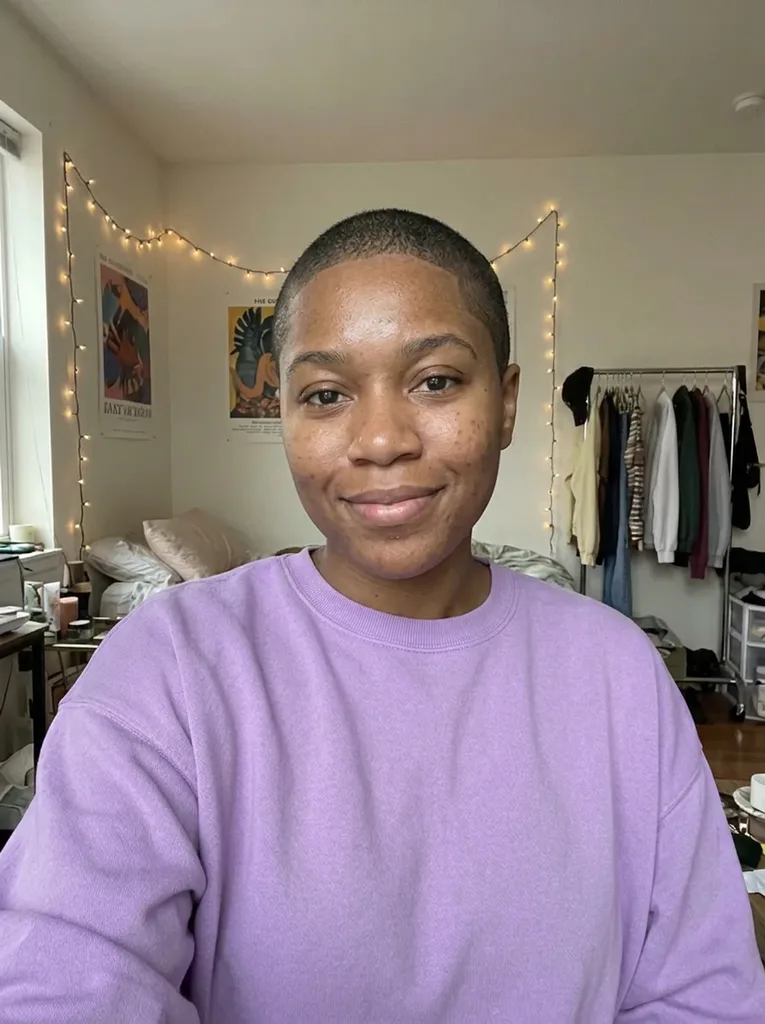 After
Example result. Upload your photo to make yours.
Examples
BeforeAfter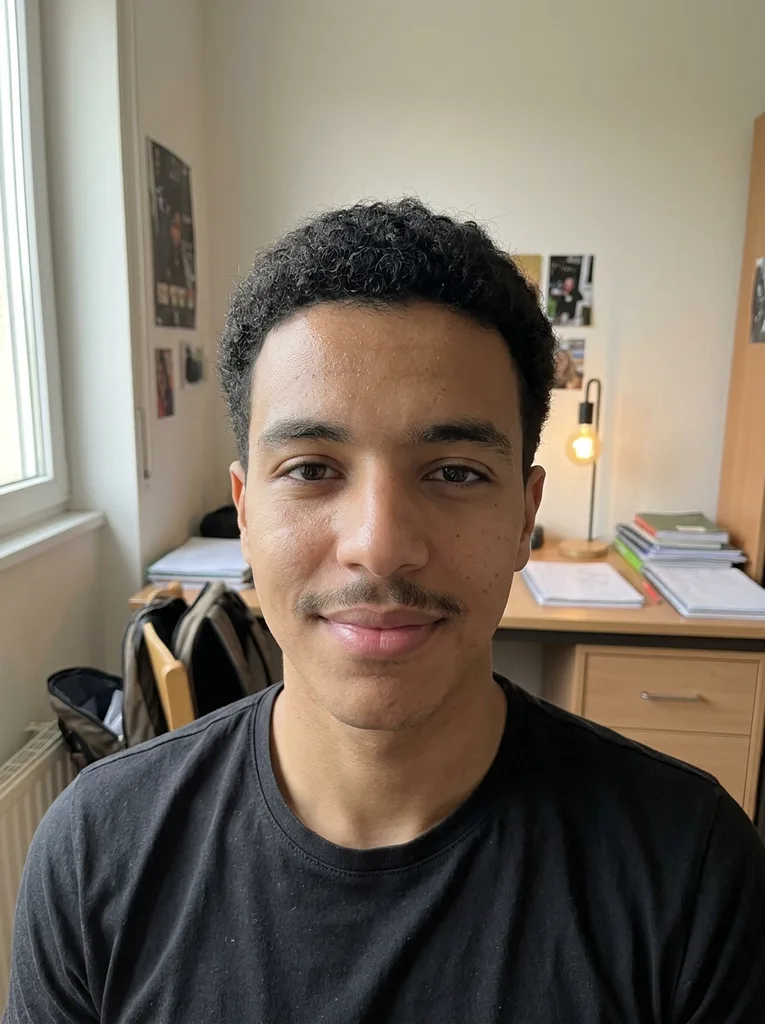 Before
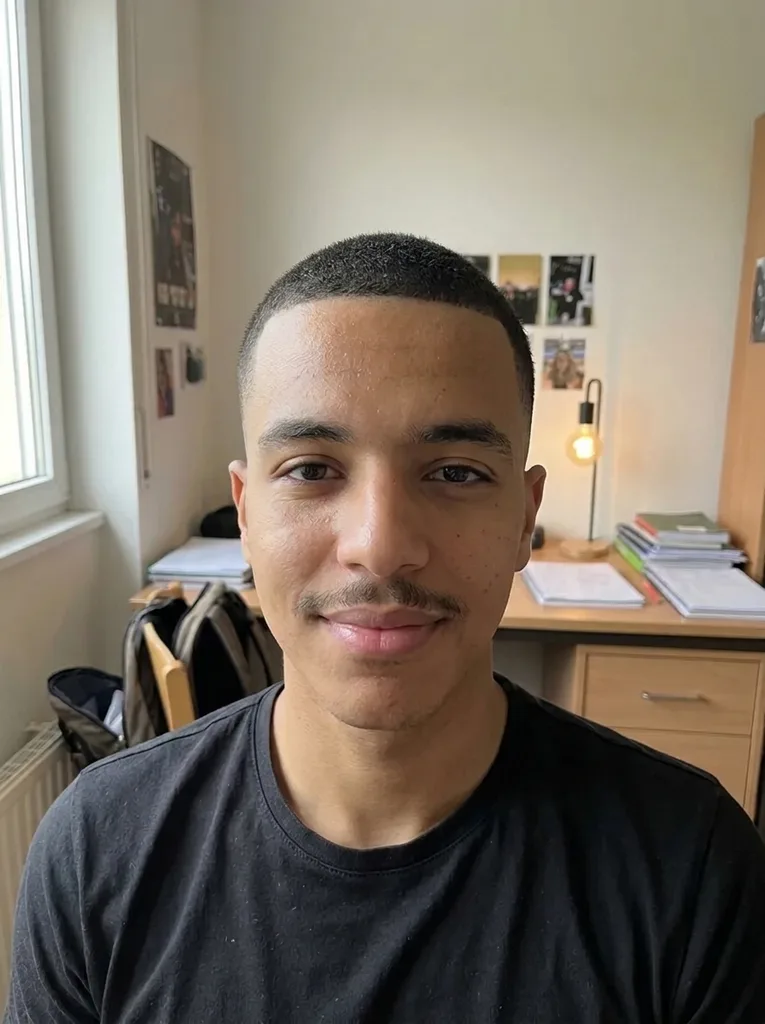 After
How to use the buzz cut filter
One photo in, one picture of you with a buzz cut out. Pick the length before you press the button.
- 1
Upload a front-facing selfie
JPEG, PNG, WebP or HEIC up to 10 MB. Your whole head should be in the frame, with your hairline showing.
- 2
Choose one length
Pick Induction (#1), Classic Buzz (#2), Butch Cut (#4), Buzz Fade or Bleached Buzz. Add a note such as "sharp line-up" if you want one.
- 3
Download it and show your barber
The result usually arrives in under a minute, side by side with your original. Save it, because there is no gallery to come back to.
What this buzz cut AI does differently
Lengths in millimetres, not just names
Each preset asks for an approximate length: about 3 mm for #1, 6 mm for #2 and 12 mm for #4. The image shows that length on you; it is not a measurement of your final cut.
Your beard stays as it is
The model is told to keep any beard, moustache or stubble as it is. In our test, a Buzz Fade on a man with a moustache kept the moustache.
Same photo, no beauty filter
Framing, clothes, background and light are meant to stay the same, and in our tests they did. Your face is not slimmed or smoothed, so the change you judge is the hair.
Built for women and men
The cut follows your own head shape and hairline. In our test, a woman with big curly hair got a Classic #2 that looked natural.
Buzz cut simulator lengths: which one to pick
You get one free image, so match the preset to the cut you would actually ask for.
| Clipper length | What your photo shows | Pick it if | |
|---|---|---|---|
| Induction (#1) | About 3 mm all over | Very short, scalp faintly visible | You want the closest buzz short of bald |
| Classic Buzz (#2) | About 6 mm all over | Even, clean crop, the default | It is your first buzz and you want the safe middle |
| Butch Cut (#4) | About 12 mm all over | The softest of the three lengths | You want it short but still soft |
| Buzz Fade | About 6 mm on top, skin fade on sides and back | Sharper outline around the ears | Your barber does fades and you like contrast |
| Bleached Buzz | About 6 mm, platinum blonde | Cut and colour change in one image | You plan to bleach as well as cut |
Who checks a buzz cut on their own photo
Women thinking about a first buzz
Going from long or curly hair to 6 mm is a big jump. Seeing your own face first takes the guesswork out of it.
Men choosing between flat and faded
A plain #2 and a Buzz Fade look very different around the ears. Pick the one you lean toward and see if it holds up.
Anyone after a low-upkeep cut
A buzz needs no styling, which is why people consider it for hot weather or a busy stretch. Check the look before the clippers come out.
Planning a bleach
Platinum on a short crop changes how your skin tone and brows read. Bleached Buzz shows both changes together.
Before the barber chair
Bring the buzz cut filter image and say the length too. A picture of you at 6 mm says more than "short, but not too short".
What would I look like with a buzz cut? Reading the result
With no hair to frame it, your head shape, hairline, ears and jaw become the whole look. That is why a preview on your own face tells you more than a photo of a model.
Look at three things. Does the outline of your head look even from the front? Does your hairline sit evenly, or do the corners recede? Do your ears stand out more than you expected? If one of those bothers you at #1, a #4 covers more.
The image shows the front only. The crown and the back of your head are not visible, and a real cut can differ from the AI version.
Photo checklist for a realistic buzz cut
- Show your whole head, including the top, so the cut is not cropped at the forehead.
- Pull long hair back off your face and keep your ears visible if you can.
- Take off hats, caps, headbands and hoods.
- Face the camera in even light, with no strong window or lamp behind you.
- Use a normal phone selfie without beauty filters.
Common buzz cut filter mistakes
A clear photo and a careful length choice make a buzz cut filter preview much easier to judge.
Mistake: Asking the barber for "a number two" only
Do this instead: Say about 6 mm as well. Clipper guard sizes can differ a little between brands.
Mistake: Uploading a photo in a cap or beanie
Do this instead: Take a new selfie bareheaded. The cut follows the shape of your head, so it needs to see it.
Mistake: Picking the shortest length just to see the extreme
Do this instead: You get one free image, so choose the length you would really book.
Mistake: Judging the back of your head from the preview
Do this instead: The view is front-on. Ask your barber about the crown and the neckline.
What is free and what happens to your photo
One free image
Each visitor gets one image free across the whole site, with no account and no card. After that there is no paid plan to switch to.
Your photo
Your photo is only used to create your images and is never used to train AI models. Anything you type in the note box is added to your request to the AI model.
A preview, not a promise
A buzz cut filter result is an AI picture of how the cut could look. A barber may not match it exactly. You must be 18 or older and upload only your own photo.